Works with what you already use
So many messages.
So little time. Zero order.So many messages. So little time. Zero order.
Managing appointments over WhatsApp, calls, and notes makes you lose time and clients.Managing appointments over WhatsApp makes you lose time and clients.
Everything changes once you switch to My Turn.Everything changes with My Turn.
Salons, clinics, nutritionists, and beauty studios all over the country already use it. Do like them.
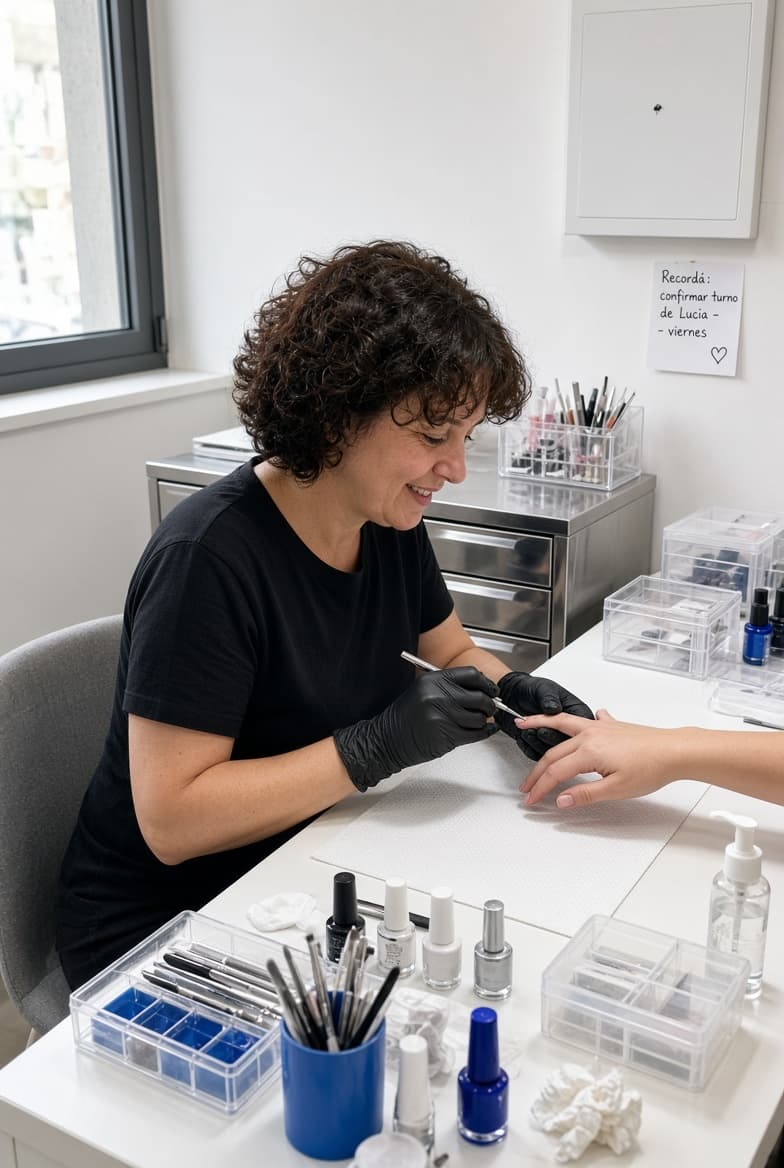 Manicure studio
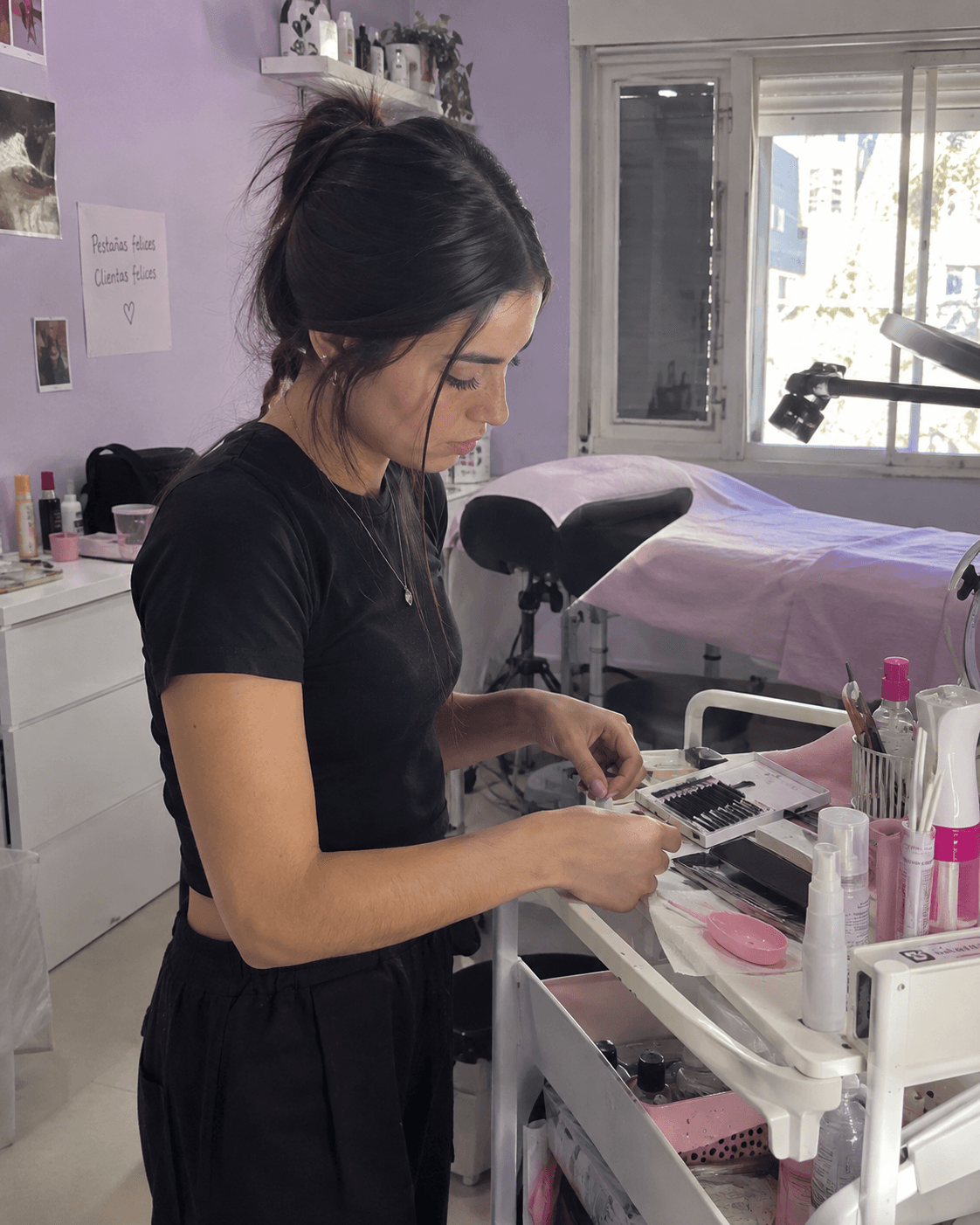 Lash studio
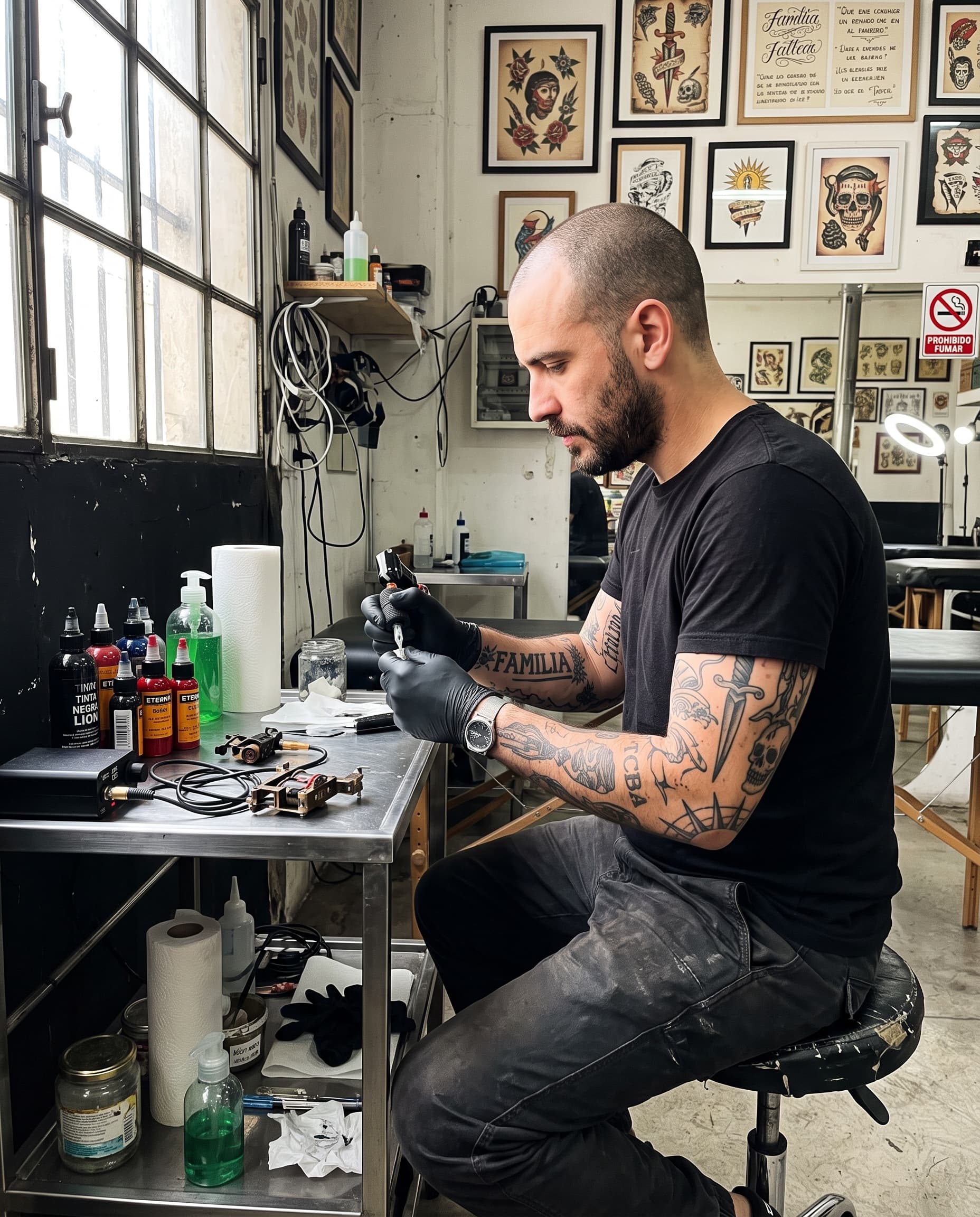 Tattoo studio
 Dental office
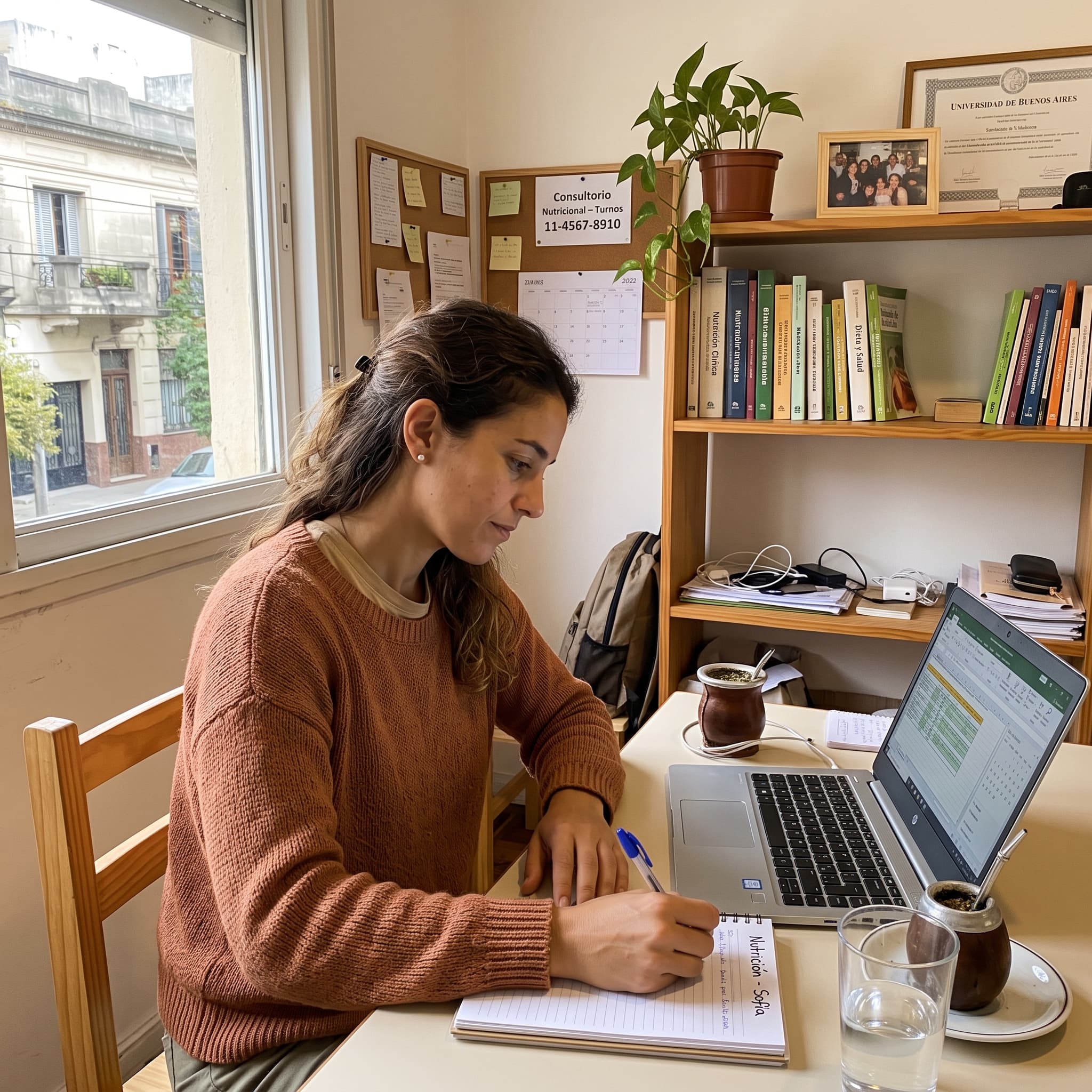 Nutrition clinic
 Nutrition practice
How it works
Set it up once. It works every day.
The real screens you use to publish your business, step by step.
Create your branch
Add your branch and set its business hours.
Set its hours
Configure this branch's opening hours.
Add your services
Add the services offered at that location.
Add your professionals
Create their profile, assign them to the branch, and set up their own hours and services.
Set up their hours and services
Define which services they offer and when they're available.
Publish your link
Activate your business link: your clients can already book instantly.
Branch Details
Location
Business Hours
Configure the days and hours this branch will be open.
Mon, Tue, Wed, Thu, Fri
08:30 - 13:00Mon, Tue, Thu
16:00 - 20:00General
Shown to the client after booking, on the booking management link.
Service Type
Branch Availability
Deposit / Booking Fee
To charge deposits or advance payments, you need to connect your Mercado Pago account in Settings.
Professional Details
Assigned branches
Set Up Hours and Services
Copy the selected main branch's configuration to save time.
Hours and Services
Configure the hours and services assigned at the main branch.
Initial Services
Business Hours
Tue, Thu
09:00 - 13:00Fri
09:00 - 12:30Online Booking Portal
Share this link with your clients so they can book appointments online
Public Booking Link
You can change your URL once every 30 days.
Redirect After Booking
If you set a URL, after booking the client sees a button to continue to your site (and outside the iframe we redirect them automatically). Leave it empty to disable it.
Benefits
Appointments, deposits, and clients.
All in one place.
Stop wasting time on manual tasks and focus on what really matters: your clients.
Flexible Agenda
Manage in-person or virtual appointments with Google Meet. Your agenda updates in real time.
Payments with Mercado Pago
Charge deposits or the full service price at booking time. Drastically reduce no-shows.
Client Management
Complete history, preferences, and database. Get to know your clients and build loyalty.
Unlimited Appointments
Create and manage all the appointments you need. Your growth has no ceiling and no extra volume costs.
Benefits
Appointments, deposits, and clients.
All in one place.
Stop wasting time on manual tasks and focus on what really matters: your clients.
Unlimited Appointments
Create and manage all the appointments you need. Your growth has no ceiling and no extra volume costs.
Flexible Agenda
Manage in-person or virtual appointments with Google Meet. Your agenda updates in real time.
Payments with Mercado Pago
Charge deposits or the full service price at booking time. Drastically reduce no-shows.
Client Management
Complete history, preferences, and database. Get to know your clients and build loyalty.
Use cases
Designed for your industry
Pick yours and see how it's set up, whether you work from a location or remotely.
The 20 real categories from sign-up
+ 10 more industries
Several professionals sharing the same space, services with different durations, and clients who don't show up without notice. That's what you solve here.
One agenda per professional
Clients choose who they book with
Required deposit on long services
Color and straightening require a deposit; a haircut doesn't
Time slots that never overlap
Each service takes up its real duration
Differentiators
Looks like your business, not ours.
Already built, not on the roadmap.
Your brand, not ours
Choose your booking page's color theme (or bring your own, fully custom) so it matches your business.Choose your booking page's color theme.
Book where you already are
Embed the calendar on your own website, or share the direct link in your Instagram bio.Embed the calendar on your website or your Instagram bio.
Less friction for whoever books
They can choose "any available professional", how they'd like to be notified, and still pay in person if that's how you've set it up.They can choose "any professional" or pay in person.
Loading plans...
We help each other out
All paid plans include support. And if something isn't working the way it should, tell us through the same button we use to find bugs faster.
Frequently asked questions
What people ask before getting started
No. The free plan stays active forever and doesn't ask for a credit card or a trial expiration date.
With Mercado Pago, the moment your customer books. Per service, you choose whether the deposit is a fixed amount or a percentage, and whether paying is required to confirm the appointment or just an option you offer.
The appointment cancels itself. You choose when the countdown starts (at booking, X days before the appointment, or when the reminder is sent) and how many hours the window lasts (6 by default). No one is left waiting on a slot that won't be confirmed.
You get your own subdomain (yourbusiness.myturn.com.ar) from the free plan, and you can embed booking on your own website with the widget.
Yes. Even if the service requires a deposit, on the confirmation screen your customer can choose "Pay later" instead of paying right away. The appointment stays booked, subject to the payment window you configured.